See it in a minute
From the supplier's page to a complete product page in your store.
More short tutorials on YouTube: Sovba: High-Ticket Importer tutorials.
Sovba: High-Ticket Importer copies a product page from your supplier's website: every variant with its own price and SKU, the tabs, manuals, videos and the parts the product needs. Then it tells you when your supplier changes it.
7-day free trial with 5 imports. Billed by Shopify.
From the supplier's page to a complete product page in your store.
More short tutorials on YouTube: Sovba: High-Ticket Importer tutorials.
Saunas, heaters, fire tables, outdoor kitchens: products with options, manuals and required parts take hours to copy by hand.
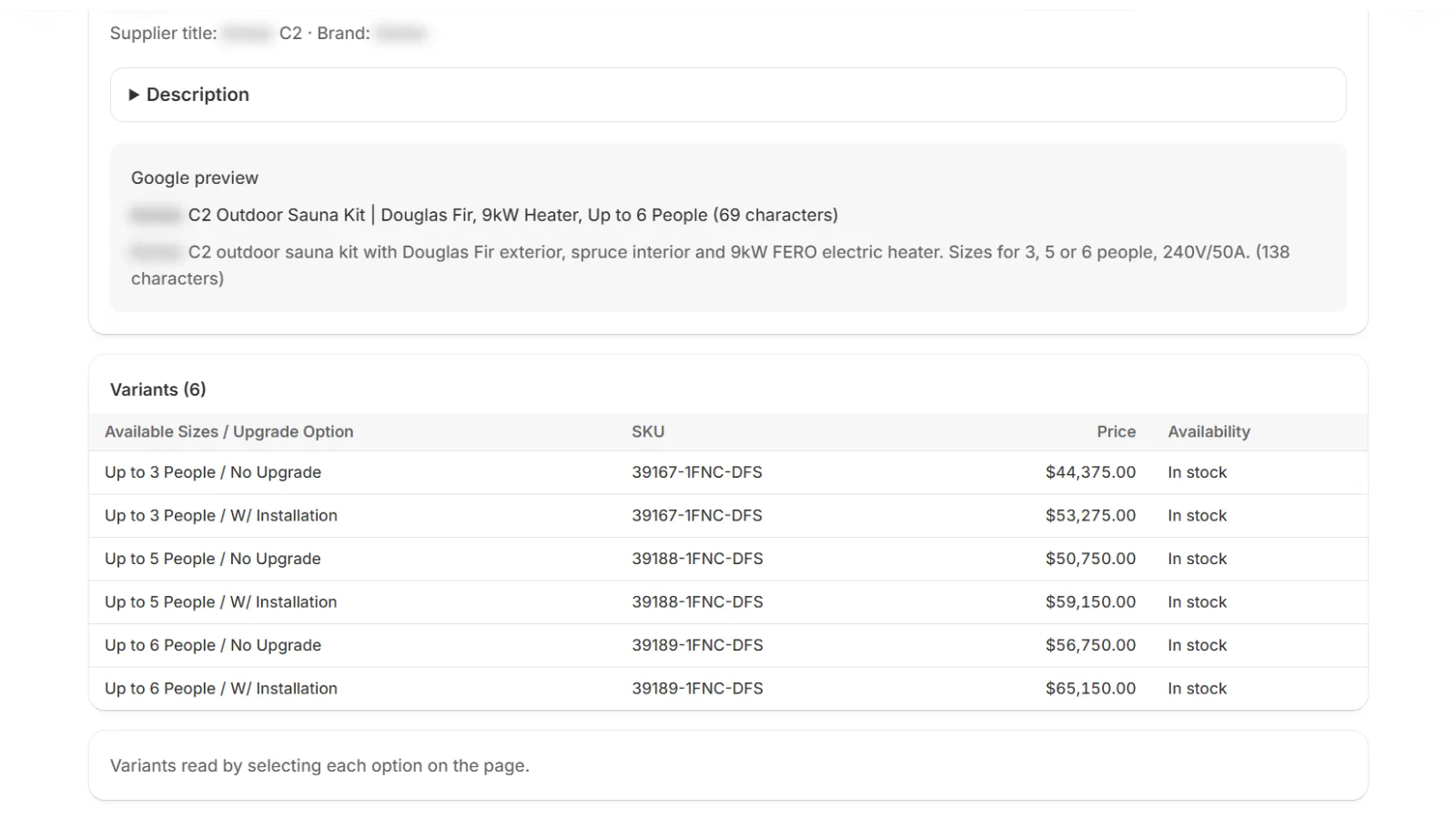
Copy the link of a product page on your supplier's website, or a list of links, and click Read the pages.
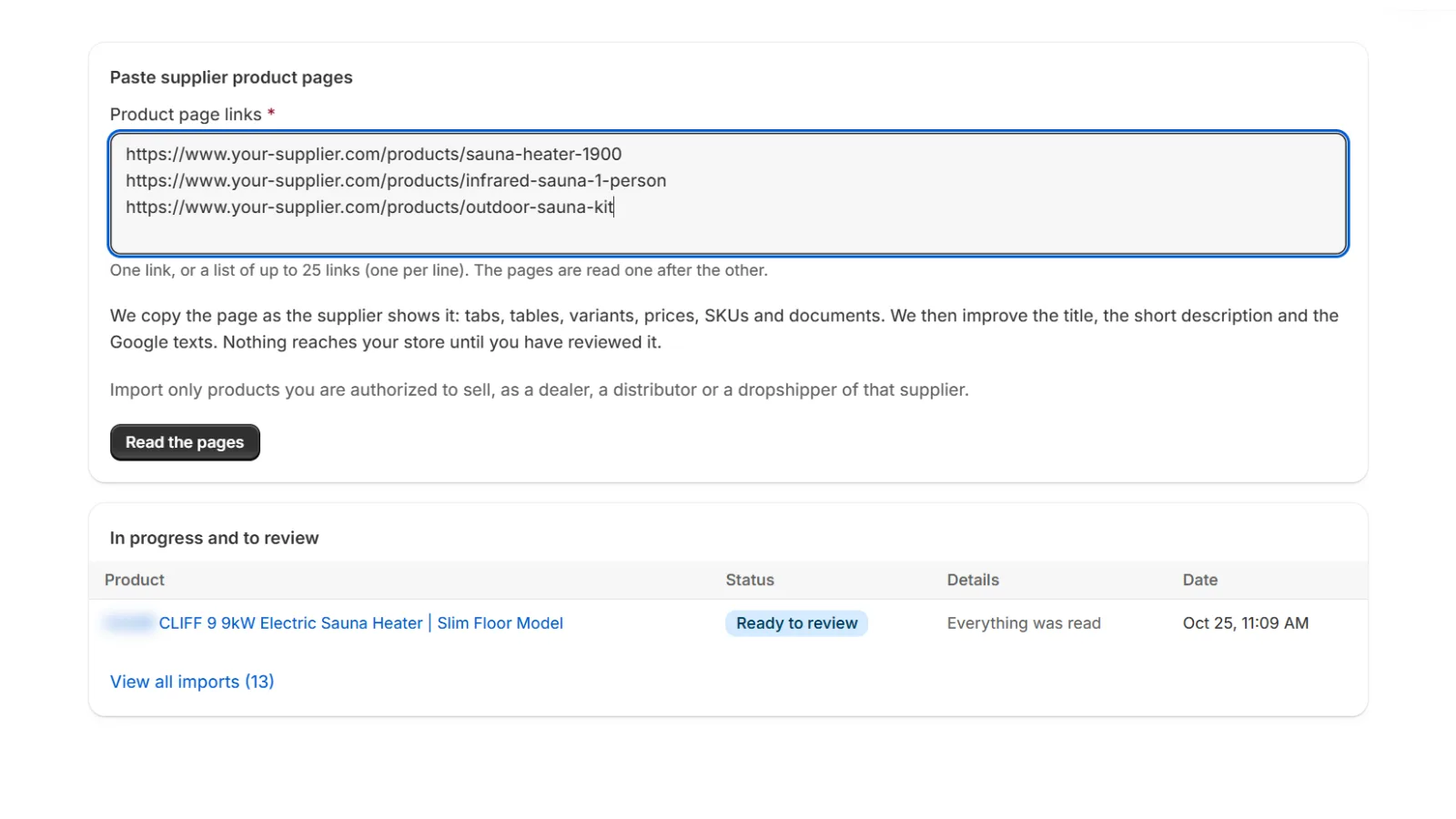
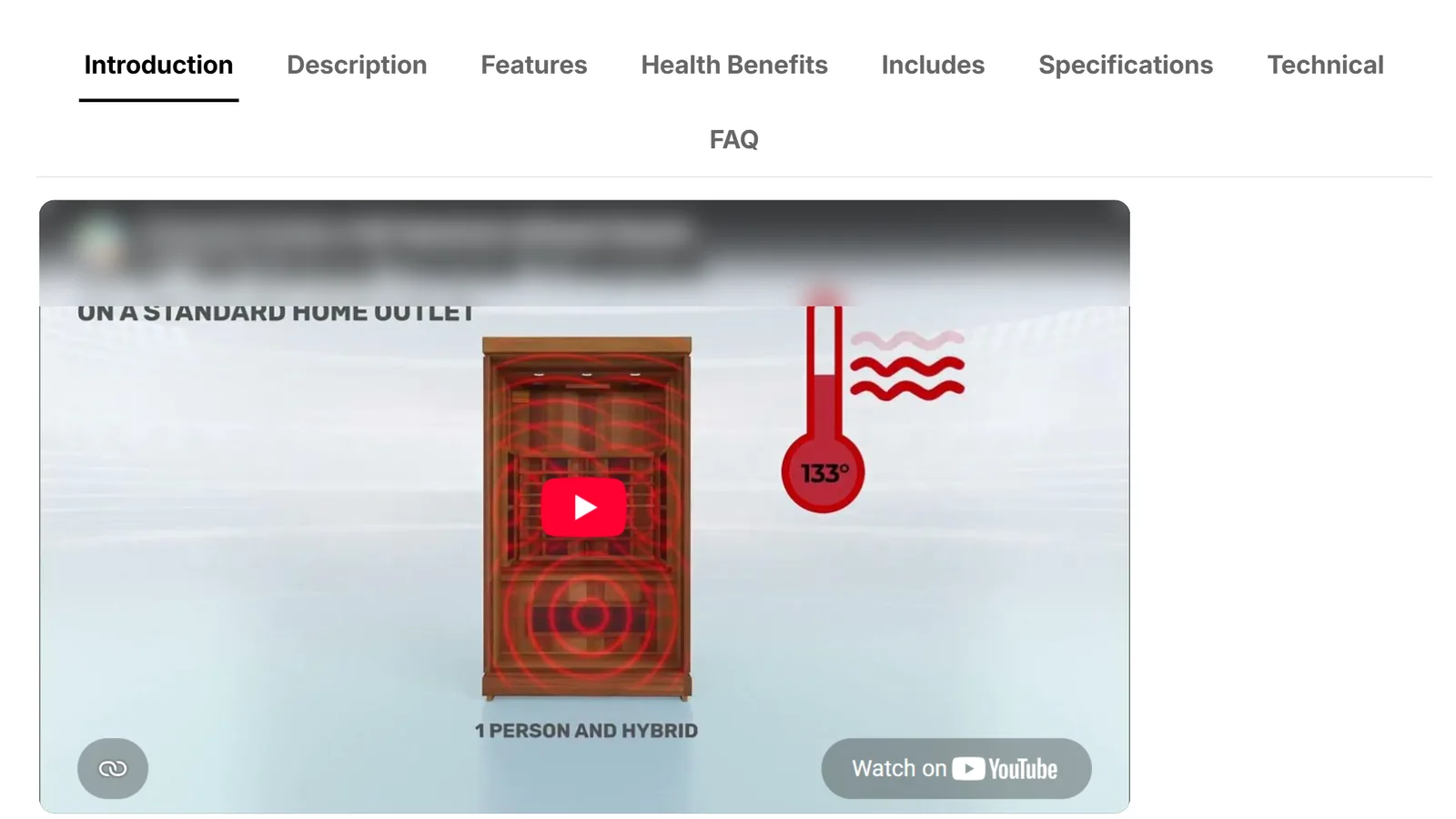
Check the title, variants and tabs, edit what you want, and send the product to your store as a draft.
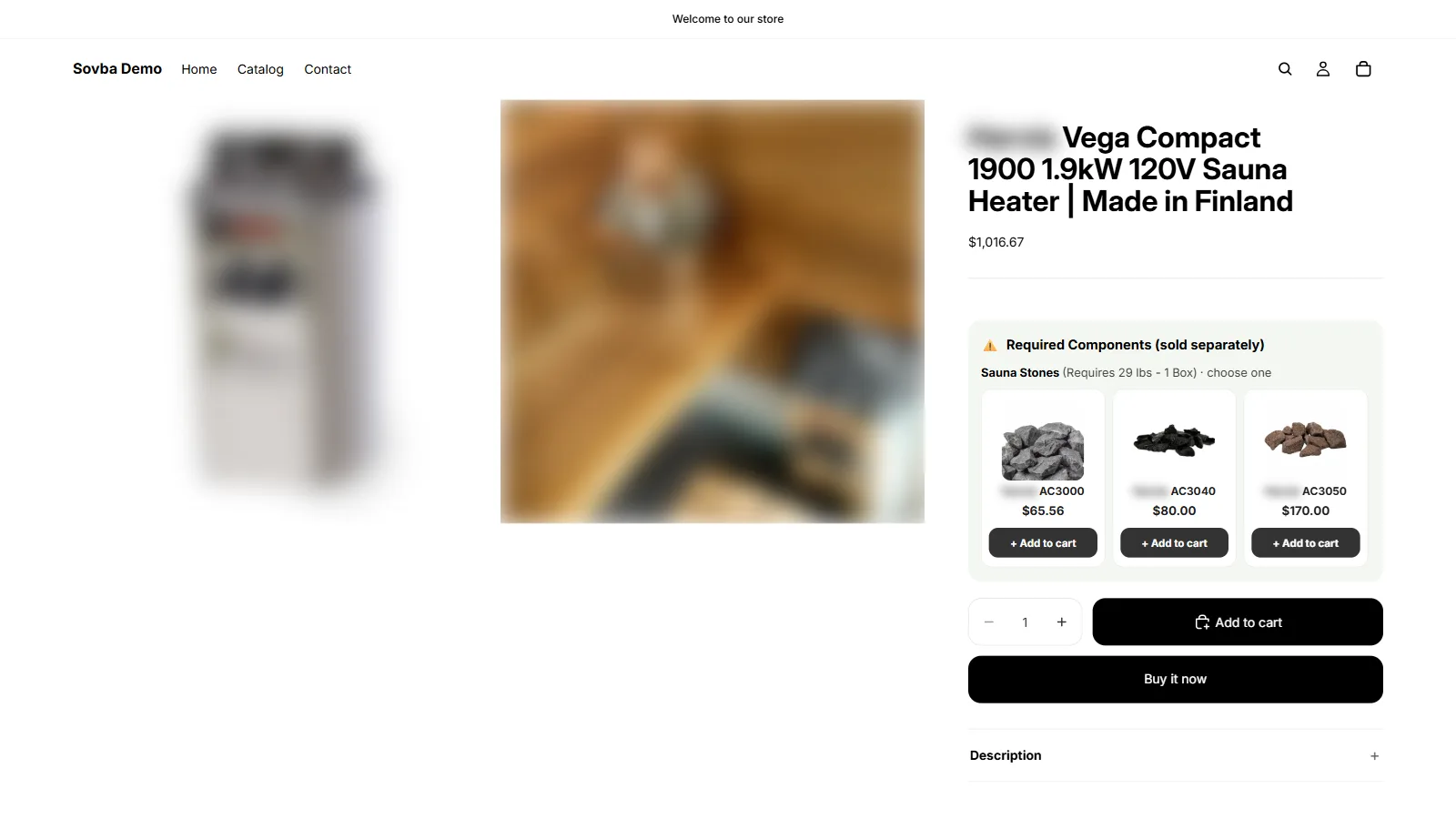
Import the parts a product needs. They show on its page after the price, each with Add to cart.
Every week, the app checks each supplier page and lists what changed. It also tells you when your price falls below your supplier's.
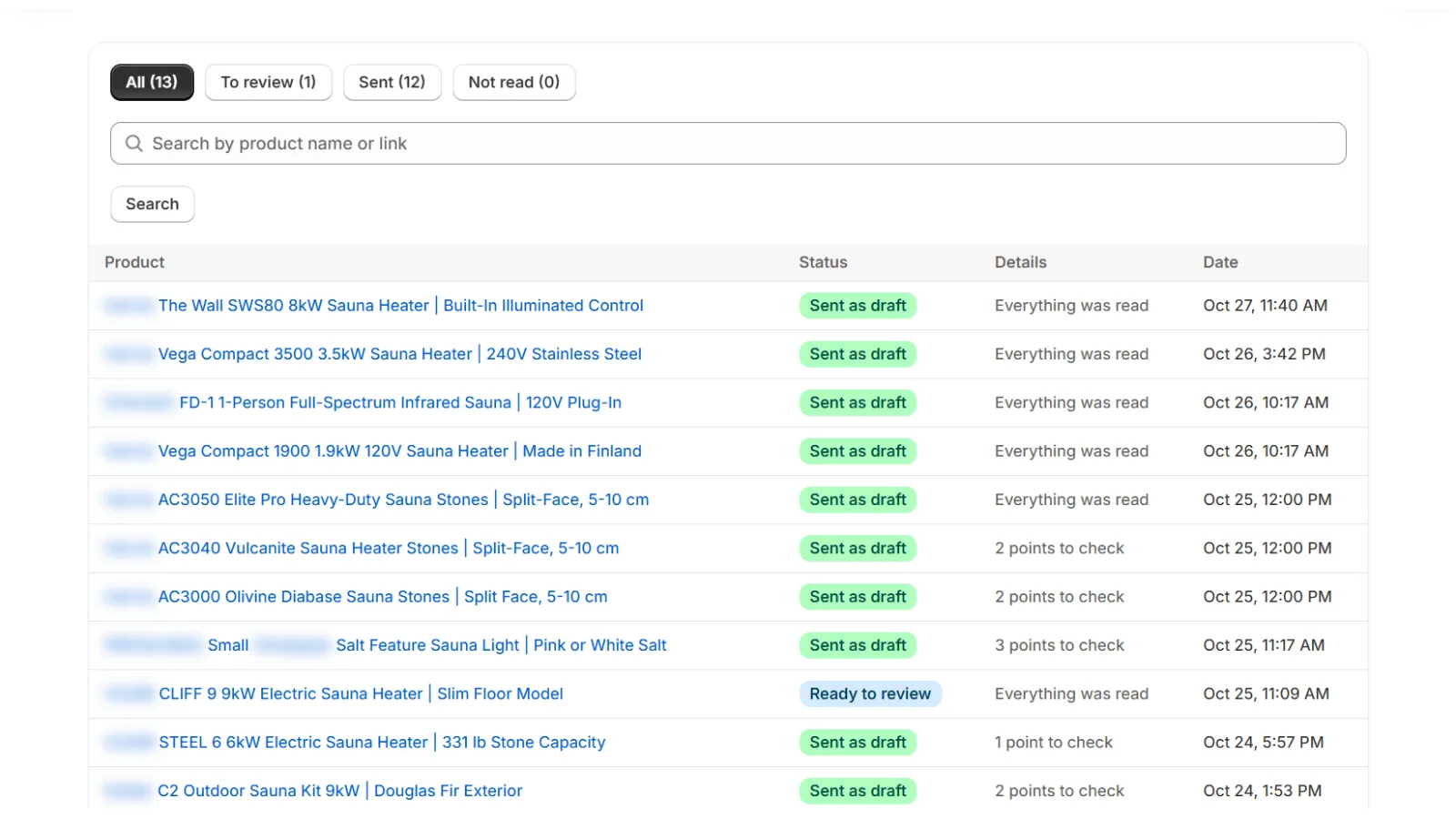
Import only products you are authorized to sell, as a dealer, a distributor or a dropshipper of that supplier.
Every plan starts with a 7-day free trial that includes 5 imports. Prices in US dollars per 30 days, billed by Shopify.
Step by step, with screenshots of the app. All 10 guides
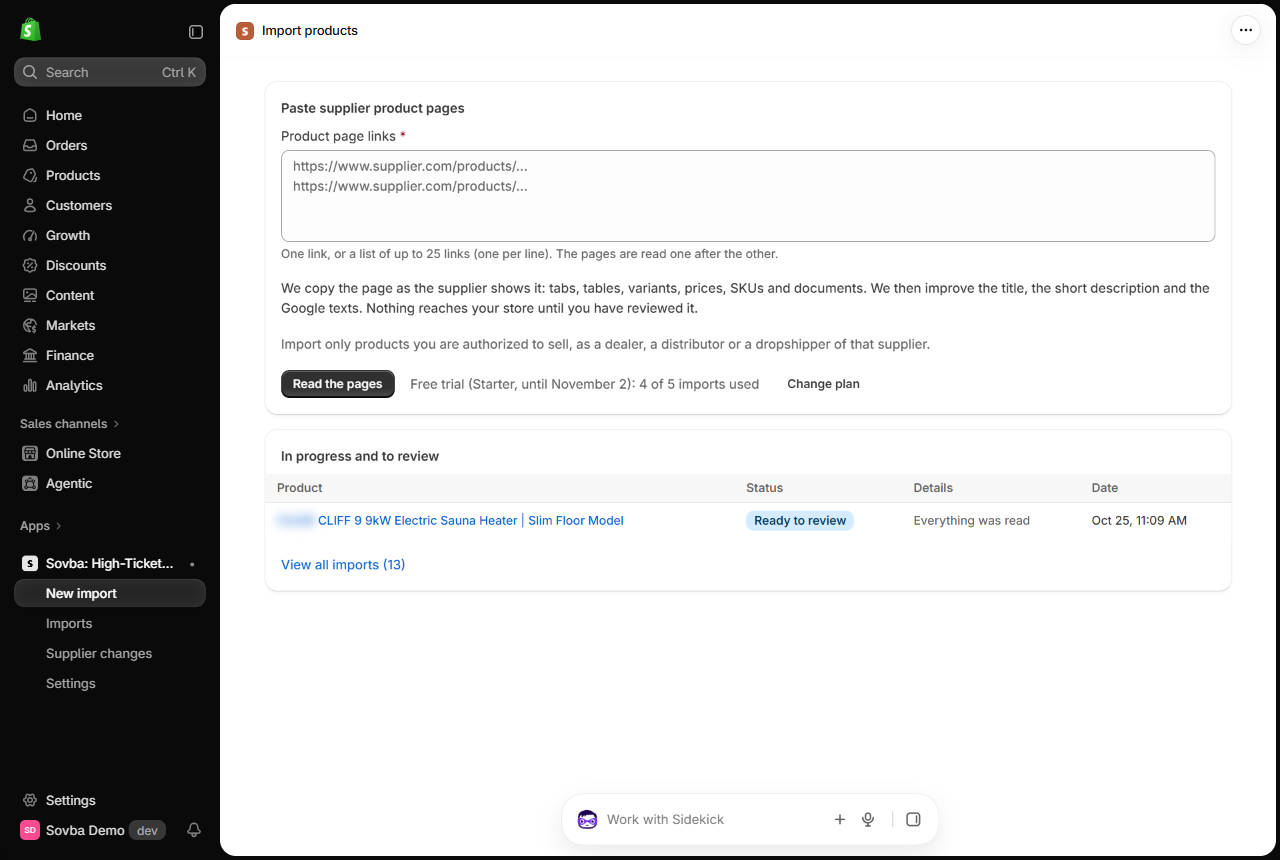
Paste supplier links, review the product, send it to your store as a draft.
Read the guide →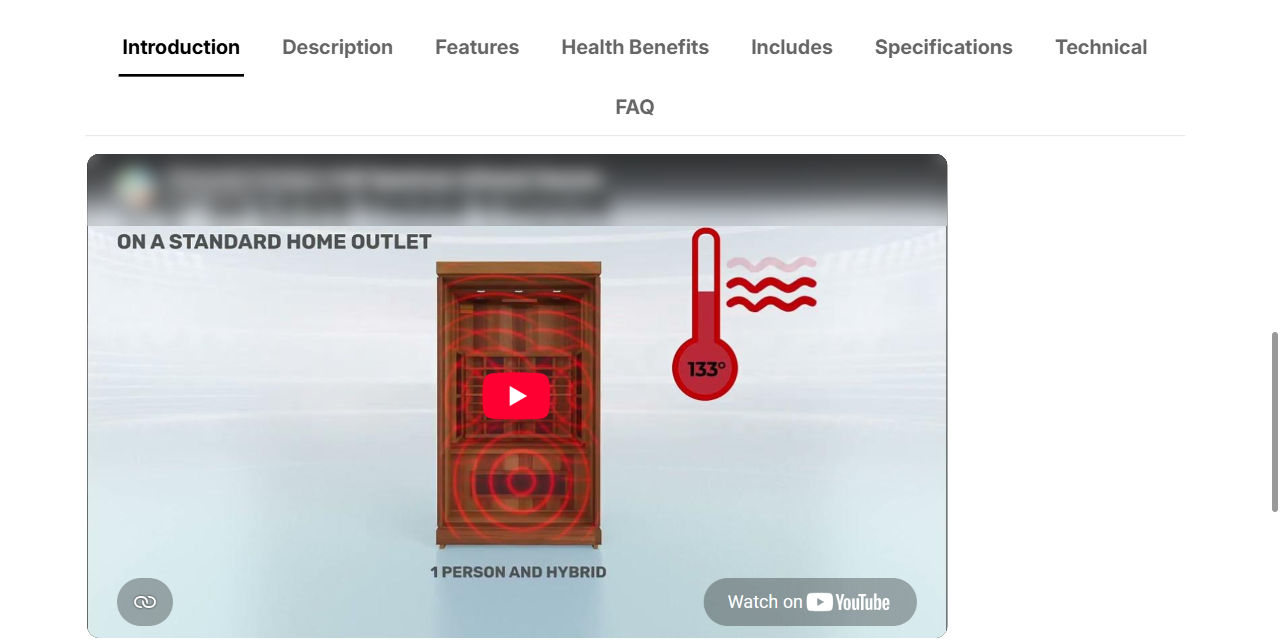
Turn on Components and tabs, choose how they show, place them yourself.
Read the guide →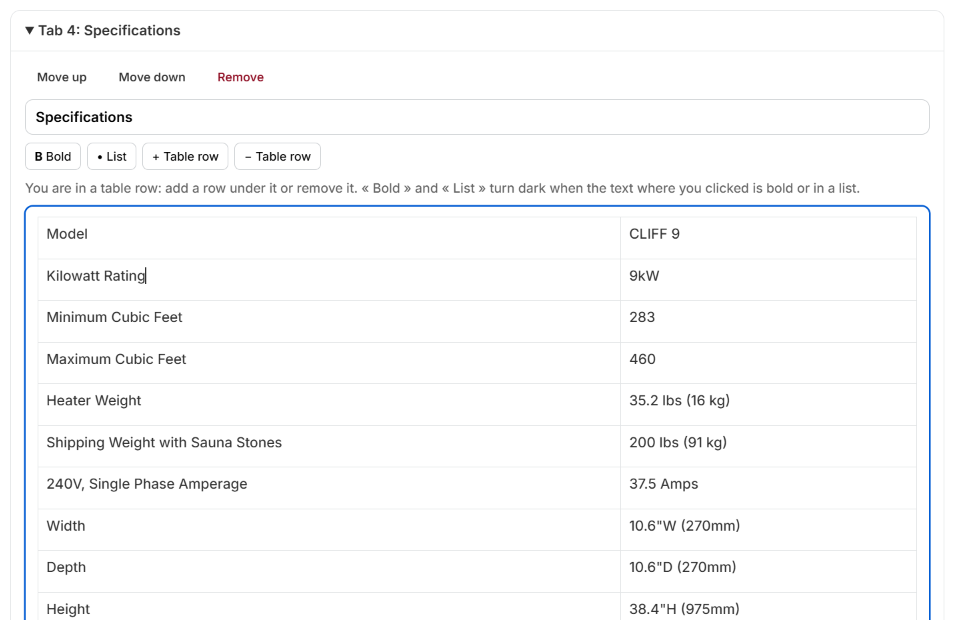
Change the text, the tables and the order of the tabs, before or after sending.
Read the guide →The page of one product on your supplier's website: a manufacturer or a distributor you are authorized to sell for. Paste one link, or a list of up to 25.
No. Prices and SKUs are copied exactly as the supplier shows them to the public, and your selling price is yours to set. When a supplier changes a price, the app tells you; it never changes a price by itself.
The product is sent as Sold out, so it can never be bought at $0. You add your price, then put it on sale.
No. It works with products only.
More answers in the FAQ and the step-by-step guides.